Amr Elshabrawy
Elshabrawy
HomeAboutServicesWorkContact
Download CV
Amr Elshabrawy
Elshabrawy

ยฉ 2026 Amr Elshabrawy. All rights reserved.

Dashboard

Dashboard

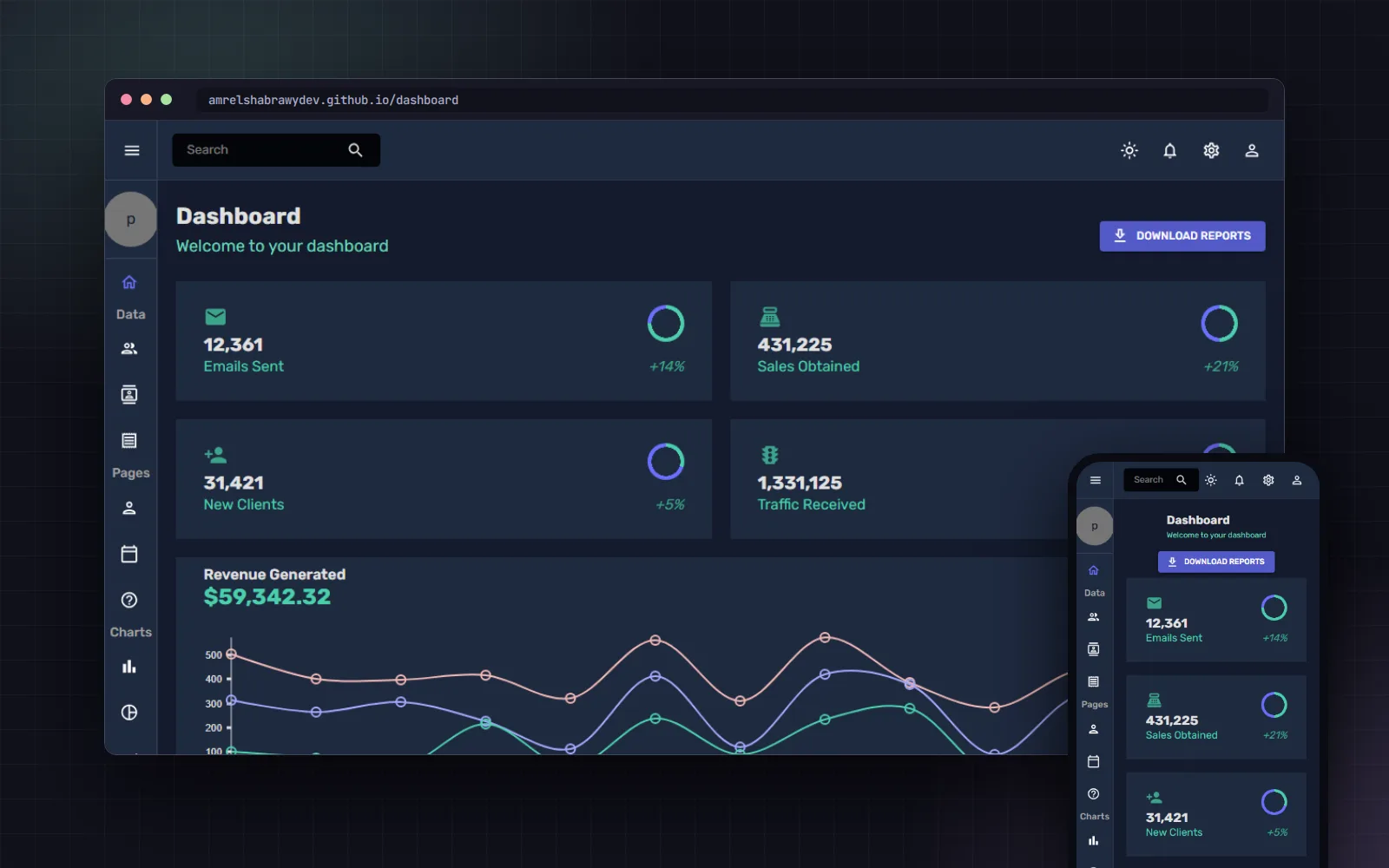
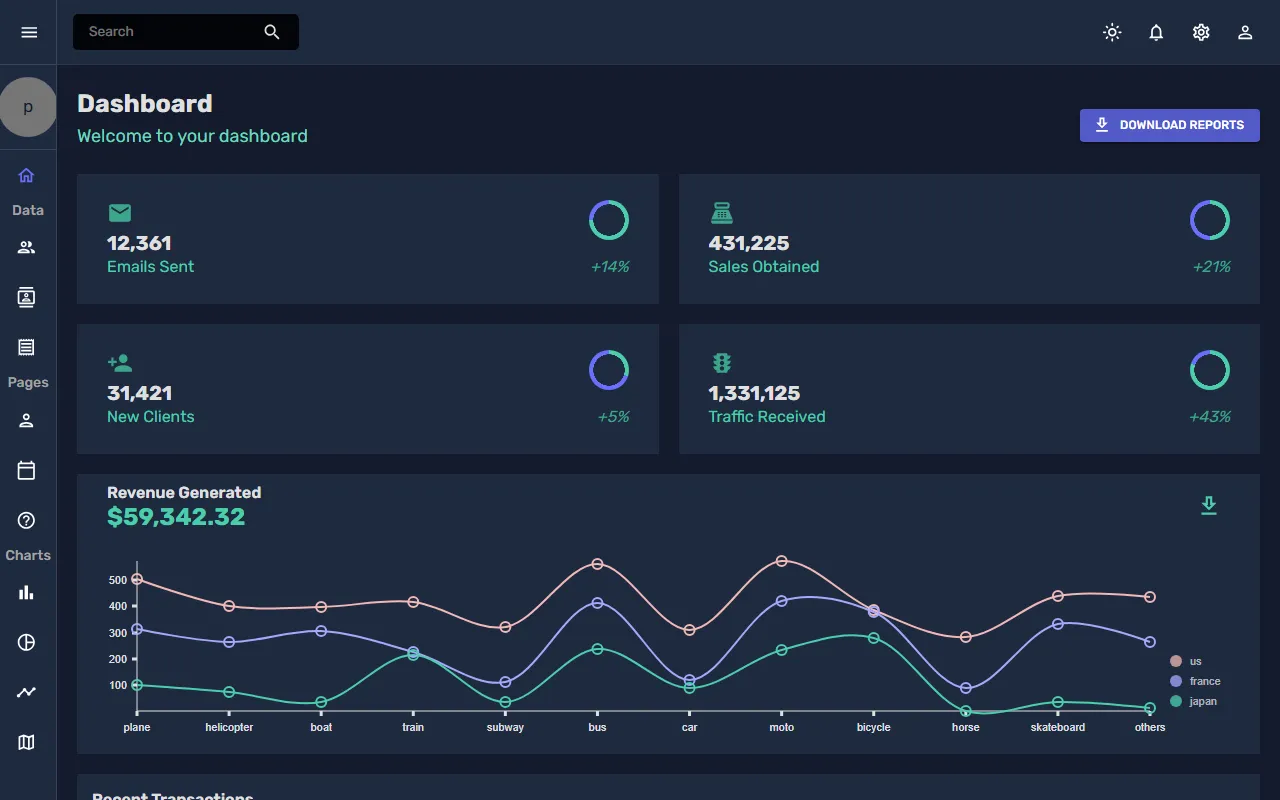
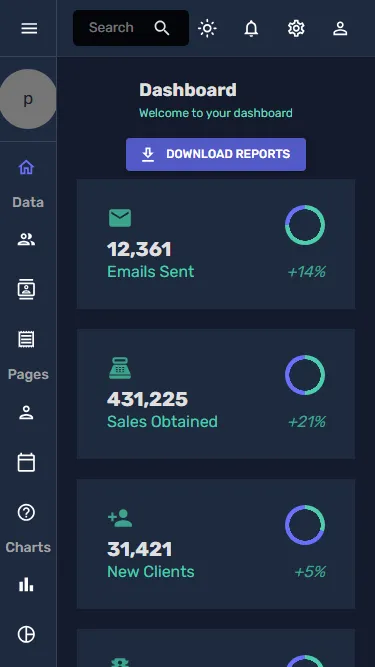
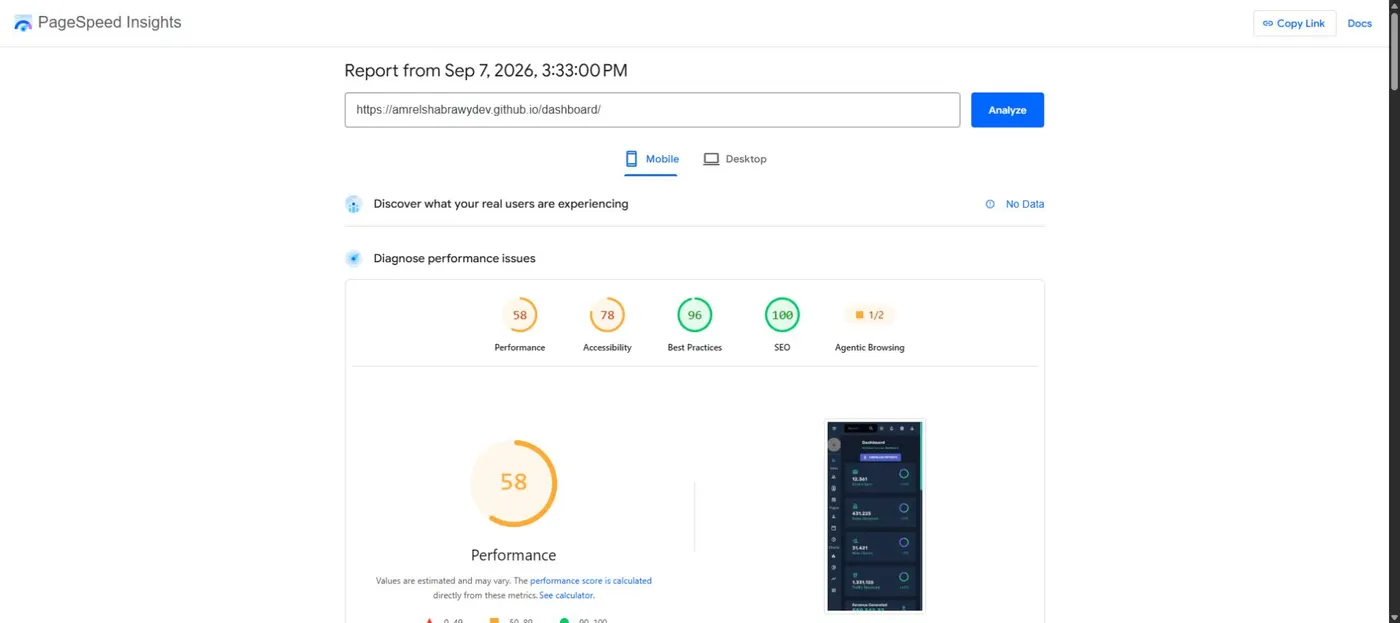
This project is a responsive web application built with React and Material-UI, designed to demonstrate CRUD (Create, Read, Update, Delete) functionality. It features a structured layout with interactive forms and a user-friendly interface for managing data entries. Utilizing state management, validation, and Material-UI components.

View CodeLive Demo
1 stars
0 forks
Created Nov 5, 2024
14.9 MB

Technologies

JavaScriptchartscrud-applicationdashboard

Languages

JavaScript100%
HTML0%
CSS0%

README

๐Ÿ“Š Dashboard

React Material-UI License Version

๐Ÿ“ Overview

The Dashboard project is a web application built using React, designed to provide a comprehensive overview of various metrics and data visualizations. It leverages modern libraries and frameworks to deliver a responsive and user-friendly interface.

โญ If you find this project helpful, please give it a star! โญ

Visit Homepage | Report Bug | Request Feature

โœจ Features

  • ๐Ÿงญ Dynamic Routing: Utilizes React Router for seamless navigation between different pages.
  • ๐Ÿ“ˆ Data Visualization: Integrates Nivo for rich data visualizations, including bar charts, line charts, and geographical maps.
  • ๐ŸŽจ Material UI: Employs Material UI components for a consistent and modern design.
  • ๐Ÿ“… FullCalendar: Implements FullCalendar for managing and displaying events.

๐Ÿ› ๏ธ Technologies Used

  • React: A JavaScript library for building user interfaces.
  • React Router: For routing and navigation.
  • Material UI: A popular React UI framework.
  • Nivo: A data visualization library.
  • FullCalendar: A JavaScript calendar library.

๐Ÿ“ Project Structure

Dashboard/
โ”œโ”€โ”€ public/                          # Static files
โ”‚   โ”œโ”€โ”€ index.html                  # Main HTML file
โ”‚   โ”œโ”€โ”€ manifest.json               # PWA manifest
โ”‚   โ”œโ”€โ”€ robots.txt                  # SEO robots file
โ”‚   โ”œโ”€โ”€ assets/                     # Static assets
โ”‚   โ””โ”€โ”€ fonts/                      # Font files
โ”‚
โ”œโ”€โ”€ src/                            # Source code
โ”‚   โ”œโ”€โ”€ components/                 # Reusable React components
โ”‚   โ”‚   โ”œโ”€โ”€ charts/                 # Chart components
โ”‚   โ”‚   โ”‚   โ”œโ”€โ”€ ChartBarCompo.jsx
โ”‚   โ”‚   โ”‚   โ”œโ”€โ”€ ChartGeographyCompo.jsx
โ”‚   โ”‚   โ”‚   โ”œโ”€โ”€ ChartLineCompo.jsx
โ”‚   โ”‚   โ”‚   โ””โ”€โ”€ ChartPieCompo.jsx
โ”‚   โ”‚   โ”œโ”€โ”€ common/                 # Common components
โ”‚   โ”‚   โ”‚   โ”œโ”€โ”€ Heading.jsx
โ”‚   โ”‚   โ”‚   โ”œโ”€โ”€ Navbar.jsx
โ”‚   โ”‚   โ”‚   โ””โ”€โ”€ Sidebar.jsx
โ”‚   โ”‚   โ”œโ”€โ”€ dashboardCompo/         # Dashboard-specific components
โ”‚   โ”‚   โ”‚   โ”œโ”€โ”€ ProgressCircle.jsx
โ”‚   โ”‚   โ”‚   โ””โ”€โ”€ StatBox.jsx
โ”‚   โ”‚   โ””โ”€โ”€ ui/                     # UI components
โ”‚   โ”‚       โ”œโ”€โ”€ CustomAlert.jsx
โ”‚   โ”‚       โ”œโ”€โ”€ DataTable.jsx
โ”‚   โ”‚       โ”œโ”€โ”€ FormTextField.jsx
โ”‚   โ”‚       โ””โ”€โ”€ ReusableForm.jsx
โ”‚   โ”‚
โ”‚   โ”œโ”€โ”€ data/                       # Mock data and fixtures
โ”‚   โ”‚   โ”œโ”€โ”€ mockData.js
โ”‚   โ”‚   โ””โ”€โ”€ mockGeoFeatures.js
โ”‚   โ”‚
โ”‚   โ”œโ”€โ”€ pages/                      # Page components
โ”‚   โ”‚   โ”œโ”€โ”€ Dashboard/
โ”‚   โ”‚   โ”œโ”€โ”€ BarChart/
โ”‚   โ”‚   โ”œโ”€โ”€ LineChart/
โ”‚   โ”‚   โ”œโ”€โ”€ PieChart/
โ”‚   โ”‚   โ”œโ”€โ”€ GeographyChart/
โ”‚   โ”‚   โ”œโ”€โ”€ Calendar/
โ”‚   โ”‚   โ”œโ”€โ”€ Contacts/
โ”‚   โ”‚   โ”œโ”€โ”€ Invoices/
โ”‚   โ”‚   โ”œโ”€โ”€ Team/
โ”‚   โ”‚   โ”œโ”€โ”€ Form/
โ”‚   โ”‚   โ”œโ”€โ”€ FAQ/
โ”‚   โ”‚   โ”œโ”€โ”€ SignIn/
โ”‚   โ”‚   โ”œโ”€โ”€ SignUp/
โ”‚   โ”‚   โ”œโ”€โ”€ Error/
โ”‚   โ”‚   โ””โ”€โ”€ Home/
โ”‚   โ”‚
โ”‚   โ”œโ”€โ”€ routes/                     # Router configuration
โ”‚   โ”‚   โ””โ”€โ”€ AppRouter.jsx
โ”‚   โ”‚
โ”‚   โ”œโ”€โ”€ App.js                      # Main App component
โ”‚   โ”œโ”€โ”€ index.js                    # React DOM render
โ”‚   โ”œโ”€โ”€ index.css                   # Global styles
โ”‚   โ””โ”€โ”€ theme.js                    # Theme configuration
โ”‚
โ”œโ”€โ”€ build/                          # Production build (generated)
โ”œโ”€โ”€ package.json                    # Project dependencies
โ”œโ”€โ”€ README.md                        # This file
โ””โ”€โ”€ LICENSE                         # License file

Directory Descriptions:

  • components/ - Reusable React components organized by functionality
  • pages/ - Full-page components representing different routes
  • layouts/ - Layout wrapper components for different user types
  • data/ - Mock data and test fixtures
  • routes/ - Routing configuration and navigation setup

๏ฟฝ๐Ÿš€ Getting Started

To get a local copy up and running, follow these steps:

  1. Clone the repository:

    git clone https://github.com/Amr-Elshabrawy-Dev/Dashboard.git
    cd Dashboard
    
  2. Install dependencies:

    npm install
    
  3. Run the application:

    npm start
    

    Open http://localhost:3000 in your browser.

๐Ÿ“ฆ Available Scripts

  • npm start: ๐Ÿƒ Runs the app in development mode.
  • npm test: ๐Ÿงช Launches the test runner.
  • npm run build: ๐Ÿ”จ Builds the app for production.
  • npm run eject: โš™๏ธ Ejects the configuration (one-way operation).

๐Ÿ“„ License

This project is licensed under the MIT License - see the LICENSE file for details.

๐Ÿ™ Acknowledgments

  • Thanks to the creators of the libraries and frameworks used in this project.

๐ŸŒ Let's Connect

Portfolio WhatsApp GitHub LinkedIn Email Twitter


Amr Elshabrawy Logo

Created with ๐Ÿ’š and โ˜• by AMR ELSHABRAWY
ยฉ 2025 | All Rights Reserved | Keep coding ๐Ÿš€