Amr Elshabrawy
Elshabrawy
HomeAboutServicesWorkContact
Download CV
Amr Elshabrawy
Elshabrawy

© 2026 Amr Elshabrawy. All rights reserved.

Travel Smart Ui

Travel Smart Ui

A modern, AI-powered travel planning and booking platform built with Next.js 14, featuring intelligent destination recommendations and a conversational AI assistant.

View CodeLive Demo
0 stars
0 forks
Created Dec 2, 2025
26.3 MB

Technologies

TypeScriptframer-motiongeminigenerative-ai

Languages

TypeScript98%
CSS1%
JavaScript0%

README

TravelSmart 🌍

A modern, AI-powered travel planning and booking platform built with Next.js 14, featuring intelligent destination recommendations and a conversational AI assistant.

Next.js TypeScript Tailwind CSS Gemini AI

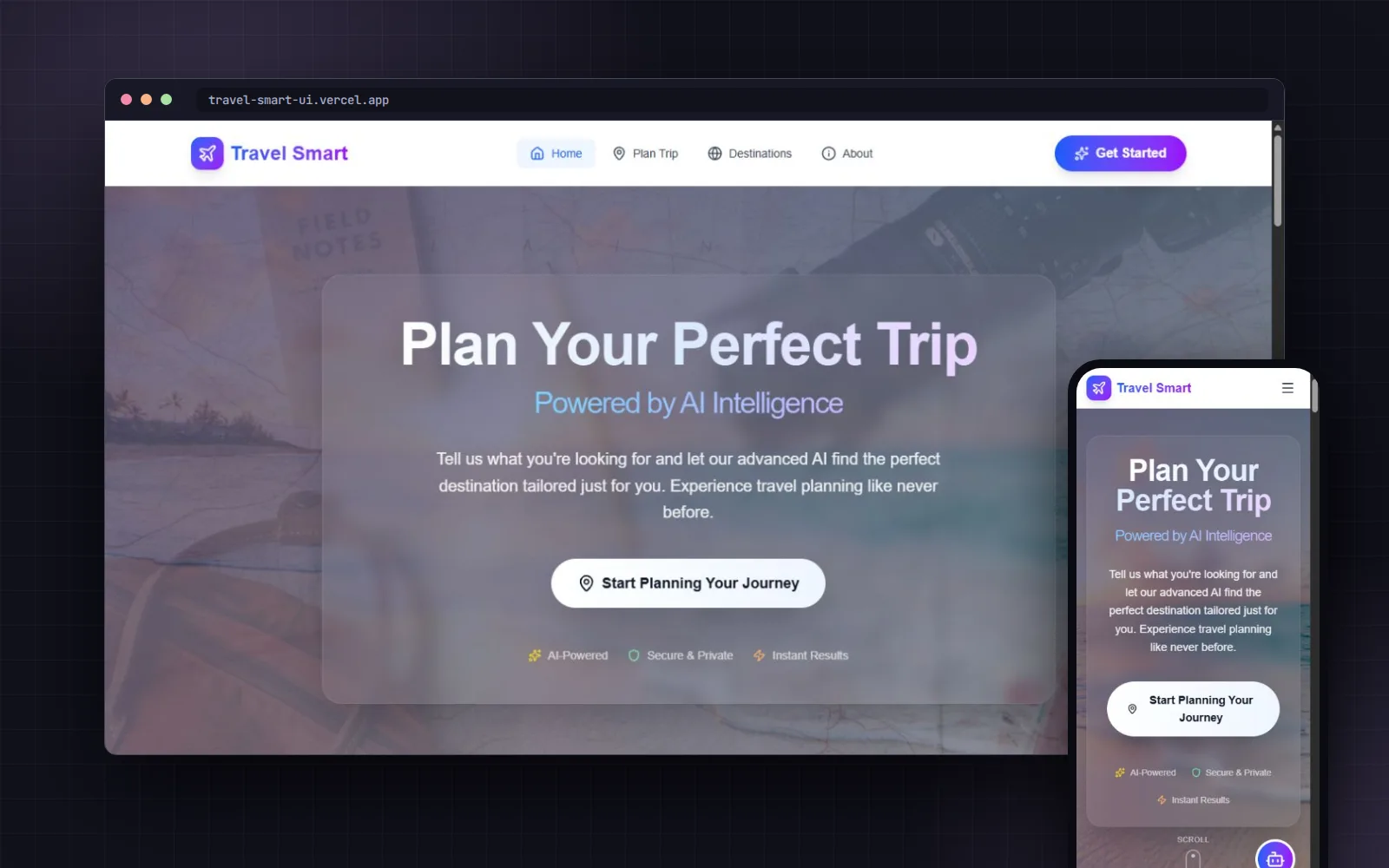
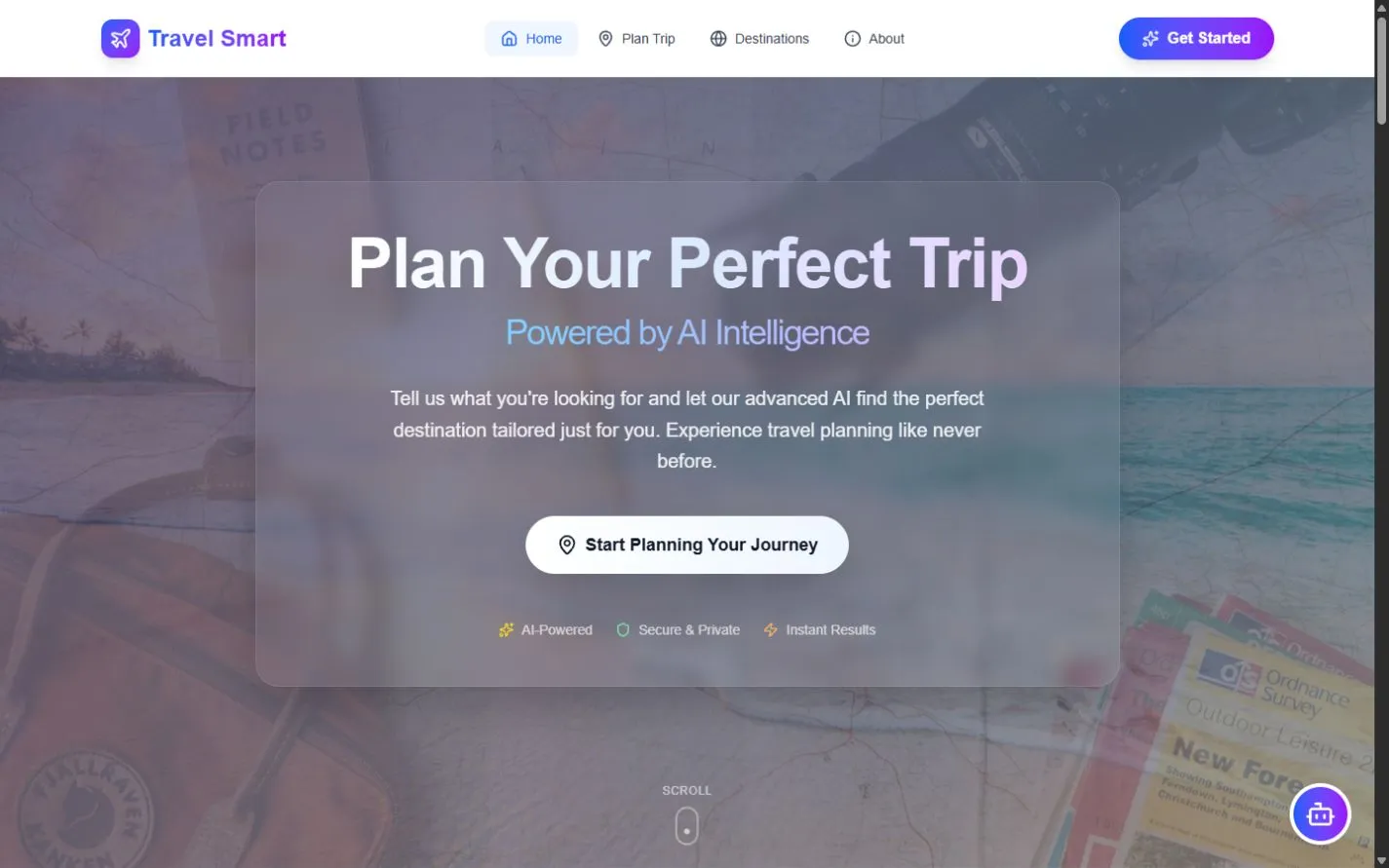
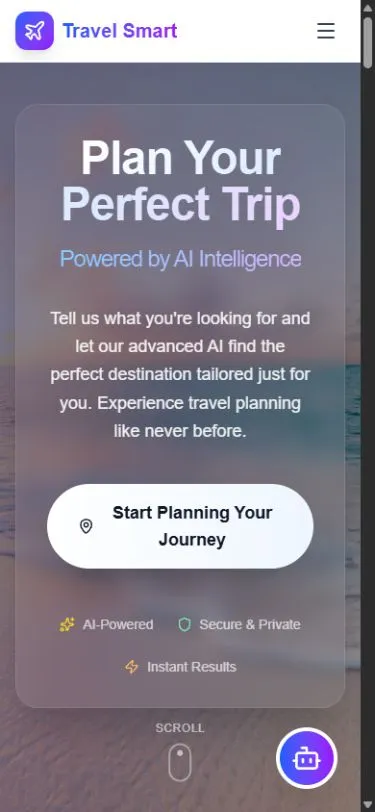
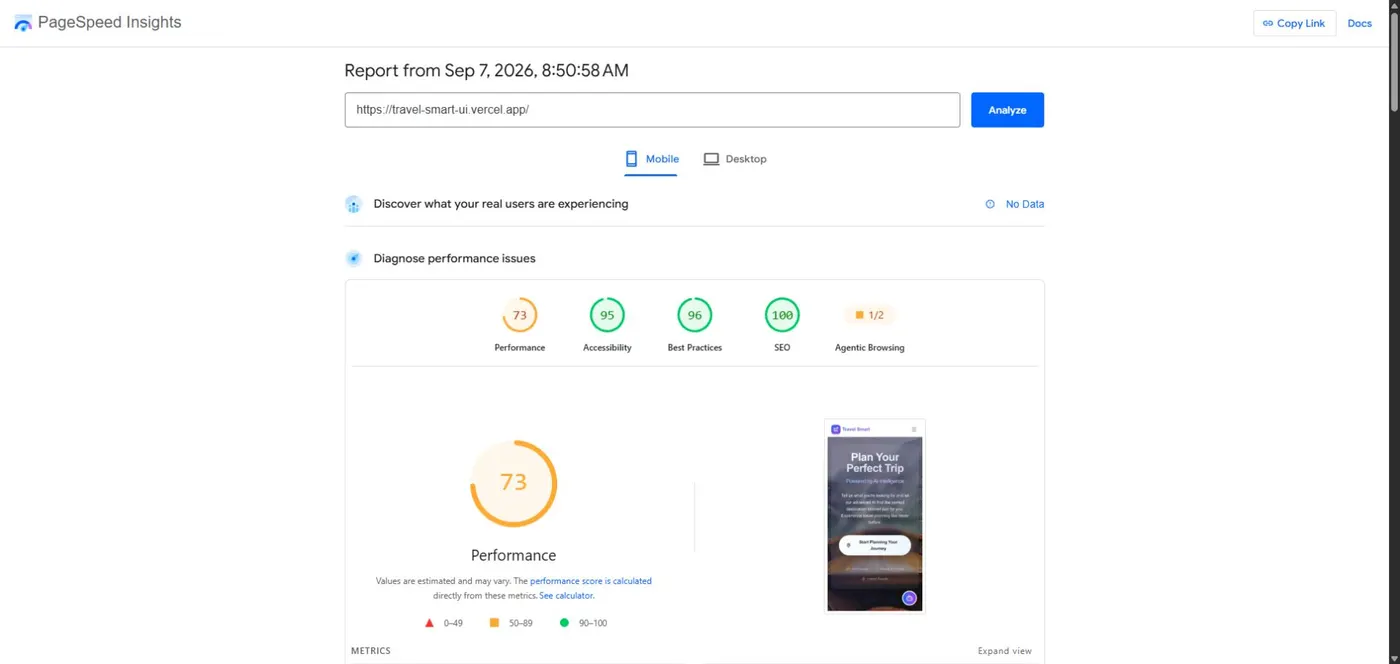
👁️ Project Preview

🌐 Click to view application screenshot
Travel Smart Preview

🔗 Links📍 Action
Live Demo👉 Visit TravelSmart
Source Code👉 View on GitHub
Contact📧 Email Me

✨ Features

  • 🤖 AI-Powered Assistant: Conversational AI using Google Gemini for personalized travel recommendations
  • 🧭 Smart Wizard: Interactive step-by-step travel preference wizard
  • 🏖️ Destination Discovery: Browse and filter destinations by category, budget, and preferences
  • 💳 Booking System: Integrated booking flow with trip summaries and passenger details
  • 📱 Responsive Design: Premium UI with GlassMorphism, gradients, and smooth animations
  • 🎨 Modern UX: Framer Motion animations throughout for delightful interactions

🛠️ Tech Stack

  • Framework: Next.js 16.0.1 with Turbopack
  • Language: TypeScript
  • Styling: Tailwind CSS with custom design system
  • Animations: Framer Motion
  • AI: Google Gemini 2.5 Flash API
  • Icons: Lucide React
  • Font: Geist Sans & Geist Mono

📋 Prerequisites

  • Node.js 18.x or higher
  • npm or yarn
  • Google Gemini API key (free tier available)

🚀 Getting Started

1. Clone the Repository

```bash git clone https://github.com/Amr-Elshabrawy-Dev/travel-smart-ui.git cd travel-smart-ui ```

2. Install Dependencies

```bash npm install

or

yarn install ```

3. Set Up Environment Variables

Create a `.env.local` file in the root directory:

```env NEXT_PUBLIC_GEMINI_API_KEY=your_gemini_api_key_here ```

To get your free Gemini API key:

  1. Visit Google AI Studio
  2. Sign in with your Google account
  3. Click "Create API Key"
  4. Copy and paste it into your `.env.local`

4. Run the Development Server

```bash npm run dev

or

yarn dev ```

Open http://localhost:3000 in your browser.

5. Build for Production

```bash npm run build npm start ```

🎯 Key Features Explained

AI Travel Assistant

The chat widget in the bottom-right corner uses Google's Gemini AI to:

  • Understand natural language queries
  • Maintain conversation context
  • Recommend destinations from the database
  • Ask clarifying questions about preferences

Travel Planning Wizard

A 7-step interactive wizard that collects:

  1. Experience Type (Adventure, Relaxation, Cultural, etc.)
  2. Travel Companion (Solo, Couple, Family, Friends)
  3. Activity Level (Relaxation, Light, Moderate, Active)
  4. Budget Range
  5. Trip Duration
  6. Flight Distance Preference
  7. Special Requirements

Destination Database

Curated destinations with:

  • Detailed descriptions and highlights
  • Weather information
  • Estimated costs breakdown
  • Suggested travel dates
  • Top activities
  • Accommodation details
  • Multiple high-quality images

Booking Flow

Simple booking process:

  • Trip summary with pricing
  • Passenger details form
  • Guest count with dynamic pricing
  • Confirmation screen

🎨 Design Philosophy

  • Premium Aesthetics: Vibrant gradients, GlassMorphism, modern typography
  • Smooth Animations: Framer Motion for micro-interactions
  • Responsive: Mobile-first design, works on all devices
  • Accessible: Semantic HTML, ARIA labels, keyboard navigation

🔑 Environment Variables

VariableDescriptionRequired
`NEXT_PUBLIC_GEMINI_API_KEY`Google Gemini API key for AI chatYes

📝 Available Scripts

  • `npm run dev` - Start development server
  • `npm run build` - Build for production
  • `npm start` - Start production server
  • `npm run lint` - Run ESLint

🐛 Known Issues

  • Gemini API free tier limited to 15 requests/minute
  • Some older browsers may not support all CSS features

🤝 Contributing

Contributions are welcome! Please feel free to submit a Pull Request.

  1. Fork the project
  2. Create your feature branch (`git checkout -b feature/AmazingFeature`)
  3. Commit your changes (`git commit -m 'Add some AmazingFeature'`)
  4. Push to the branch (`git push origin feature/AmazingFeature`)
  5. Open a Pull Request

📄 License

This project is licensed under the MIT License.

🙏 Acknowledgments

  • Next.js - React framework
  • Tailwind CSS - Styling
  • Framer Motion - Animations
  • Google Gemini - AI capabilities
  • Lucide - Icons
  • Unsplash - Destination images

🌐 Let's Connect

Portfolio WhatsApp GitHub LinkedIn Email Twitter


Amr Elshabrawy Logo

Created with 💚 and ☕ by AMR ELSHABRAWY
© 2025 | All Rights Reserved | Keep coding 🚀